

Think of monthly IT visits as the regular IT health checks for your tech. The examinations can catch problems before they snowball. In particular, they enable experts to track patterns and irregularities over time, allowing them to sense where problems might be starting to emerge. They can also maintain overall performance by ‘cleaning’ the systems, much like when you have your vehicle serviced. But most importantly, they keep systems updated from constantly evolving security threats.
The numbers tell a compelling story. Businesses that conduct regular IT health checks experience 60% fewer unexpected outages. They recover from incidents three times faster than those flying without a plan.
And finally, there are also anticipatory benefits. When you understand how your systems are performing, you can make informed decisions about scaling. You can anticipate capacity needs. And, you can spot inefficiencies before they drain your budget.
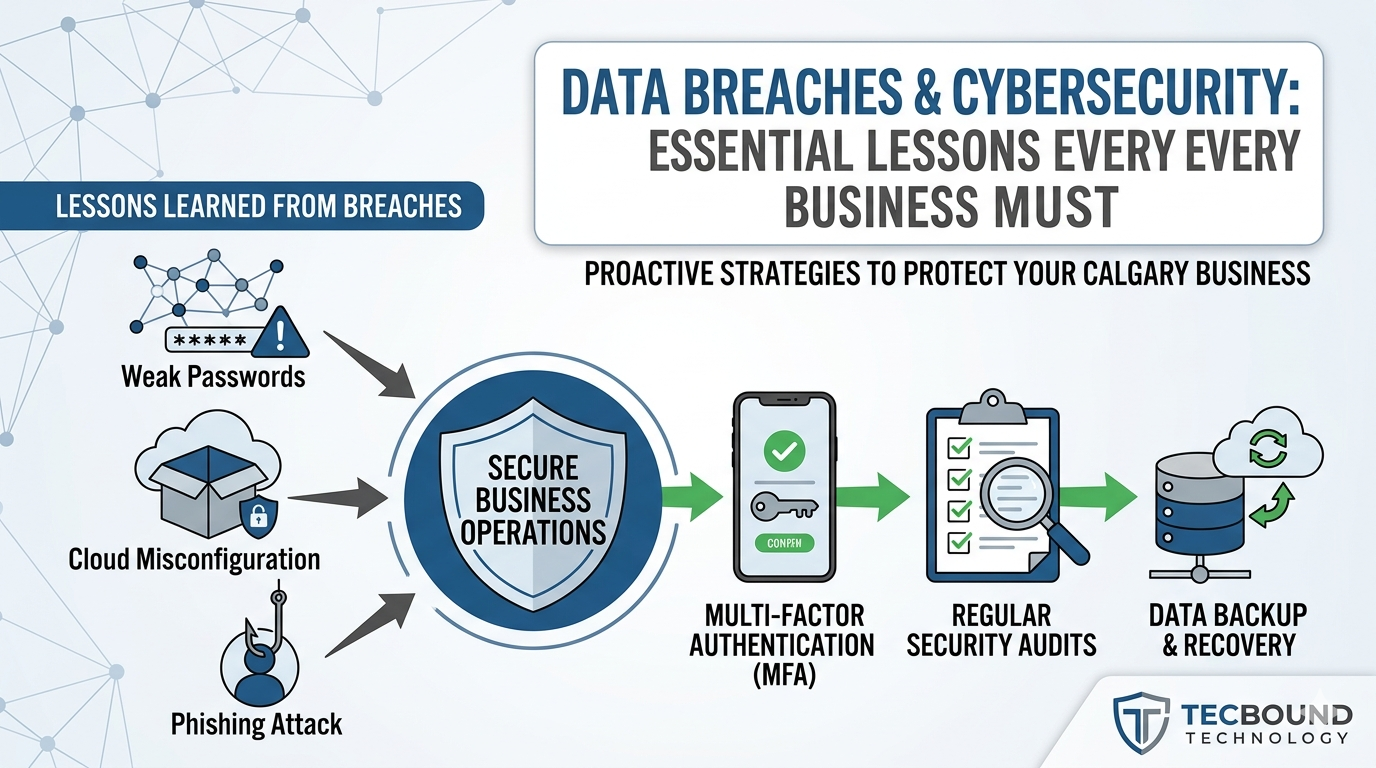
Your security posture needs regular attention. Each month, review your firewall logs for unusual patterns and update your firewall to address the latest threats. Pay special attention to failed login attempts and after-hours access. These breadcrumbs often lead to compromised accounts, which are one of the most common causes of breaches. And finally, validate that your security patches were deployed successfully without creating new vulnerabilities.
Most businesses discover their backup strategy is broken only after it has failed them. Regularly review your recovery strategies to ensure they are effective, verifying 100% backup completion rates. Also, verify that the backup windows do not overlap with business hours and that they meet all applicable compliance requirements.
Hardware doesn’t announce it’s reaching its end. It just fails. That’s why monitoring systems are crucial, allowing you to track memory consumption patterns and wear and tear. Separately, you can also track the age of critical components against their lifecycles to determine average failure rates. Performance degradation rarely happens overnight. By tracking baseline metrics monthly, you can identify gradual slowdowns and address them as they occur.
Outdated software is low-hanging fruit for cybercriminals. That’s why it’s crucial to review all pending updates across your systems. This includes only occasionally used productivity tools and apps. A priority list of what to update and when can help keep on top of apps that can’t be automatically updated on all systems. Also useful is checking in with users when a new feature drops to ensure everything is going smoothly.
In addition to your systems, the network itself and how things are connected can be a huge bottleneck when things break down. A good health check with look for Wi-Fi dead zones, analyze latency metrics, and troubleshoot other connectivity issues to ensure everything is running smoothly.
Finally, you need to be in compliance with regulations for your area. These are updated regularly, so health checks to match make sense. The standard way to match compliance is through audits. With your audit, you can validate whether your logging mechanisms capture the information you need and whether your retention periods match industry standards.
It starts with structure, consistency, and checklists. It’s boring, but effective. Develop a standardized checklist that covers all critical areas. Leave time to investigate anomalies as they appear. If there is something off, assign responsibility of that concern so that it is adequately taken care of.
Next, it’s best to schedule reviews during your periods of lowest traffic. This way, if something goes wrong, it affects the least number of clients. Budget the time you need, plus some extra for potential concerns. Finally, there are many automated tools for continuously tracking data that can help identify problems before they escalate out of control.
The most significant error is treating health checks as a formality. Going through the motions without actually tracking things down is as bad as not doing them at all. This means, in particular, not ignoring small warning signs, maintaining good documentation, and implementing best practices and recommendations.
Some organizations allow the same person to review their own work, but we recommend having at least two people in the loop to catch what the other may miss.
At their current capabilities, automated systems and AI are quite effective at data collection, but when it comes to interpreting the data, humans in the loop are still the best. Creating trend reports is one of the most valuable practices of monthly IT health checks, allowing you to identify problems that are building over time.
Another key practice? Involving stakeholders across multiple departments. This can raise awareness of problems before they escalate, informing everyone about how IT issues impact the entire business.
Finally, close the loop. Every health check should have an action plan written up at the end of it. Assign tasks to individuals, set follow-up dates, and you should be good to go.
Monthly IT health checks are vital; they are not just about diagnosing problems. They are about maintaining the technological foundation and tracking suspect patterns over time. In the end, the earlier you catch a problem, the more likely you’ll be able to solve it. So why not stay ahead of the game?
Get A FREE Subscription To Weekly Cybersecurity Tips So Your Company Doesn’t Become The Next Victim.