
Your network connects people, apps, and data, but that also means a lot of vulnerability points. Cybersecurity itself has become more complex and important than ever. That’s why having a strong foundation for your cybersecurity protection is critical. That’s where VPNs come in. Below is a clear and practical guide to understanding where VPNs fit into securing your data, what they don’t cover, and the other controls you should put in place.
Ransomware, credential theft, and misconfigurations each contribute a large portion of annual data breaches. Verizon’s 2025 DBIR highlights how system-intrusion cases are often tied to ransomware and weak access controls. It’s a useful starting point for prioritizing your defences.
Regimes such as GDPR, HIPAA, PCI DSS, and federal guidance encourage organizations to adopt stronger identification and encryption practices. NIST’s control catalogue (SP 800-53) is a standard reference for integrating these safeguards properly.
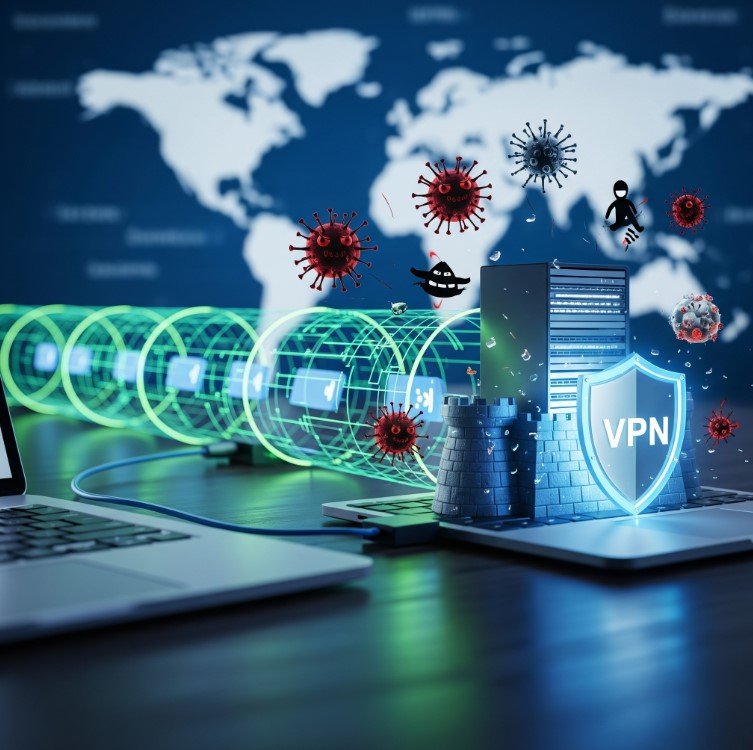
A Virtual Private Network is a virtual link built on top of existing networks that provides more secure communications paths between networks and endpoints. Practically, it creates an encrypted tunnel so traffic can’t be read or altered in transit.
VPNs scramble packets between endpoints so eavesdroppers see gibberish, not passwords or internal URLs. This is the core reason to use them on untrusted networks.
VPNs mask the source IP and reduce what outside parties can learn during basic reconnaissance. That lowers exposure but doesn’t replace other controls like segmentation or strong identity.
With MFA and device checks, a VPN gives remote staff a safer path into internal apps without poking wide holes in your firewall. CISA and NSA also publish hardening tips to reduce risk at the VPN edge.
A VPN can carry a compromised device’s traffic into your environment. It won’t remove malware or stop an insider. You still need endpoint protection, least-privilege access, and monitoring. CISA’s incident playbooks and #StopRansomware guidance stress EDR, logging, and response planning alongside access controls.
Per NIST’s Zero Trust model, don’t rely on a single perimeter. Verify users, devices, and requests continuously, limit lateral movement, and focus protection around the resources themselves. CISA’s Zero Trust Maturity Model gives a practical roadmap for getting there.
Unpatched systems are easy targets. NIST’s SP 800-40 walks through building an enterprise patch program: inventory assets, prioritize by risk, test, deploy, and verify. Move fast on internet-facing systems.
People still click links. CISA’s phishing guidance recommends short, regular training and clear reporting paths so suspicious messages get flagged early. Current practice always recommends pairing with MFA to blunt stolen passwords.
Modern endpoint detection and response (EDR) tools. These watch behaviours, block threats, and help isolate infected devices. Federal playbooks and directives call out EDR as a core control. Use it and tie access to device posture.
VPNs encrypt traffic, hide source IPs, and give remote teams a safer path to internal apps. They are especially useful for branch sites and travellers on untrusted networks.
Don’t stop at a tunnel. Layer controls: firewalls and IDS/IPS, strong identity, segmentation, EDR, patches, backups, training, and a move toward Zero Trust, so no single gap becomes a breach. Use NIST’s architecture guidance and CISA’s maturity model to pace the work and track progress over time. Small, steady improvements add up to a safer network.
Get A FREE Subscription To Weekly Cybersecurity Tips So Your Company Doesn’t Become The Next Victim.