

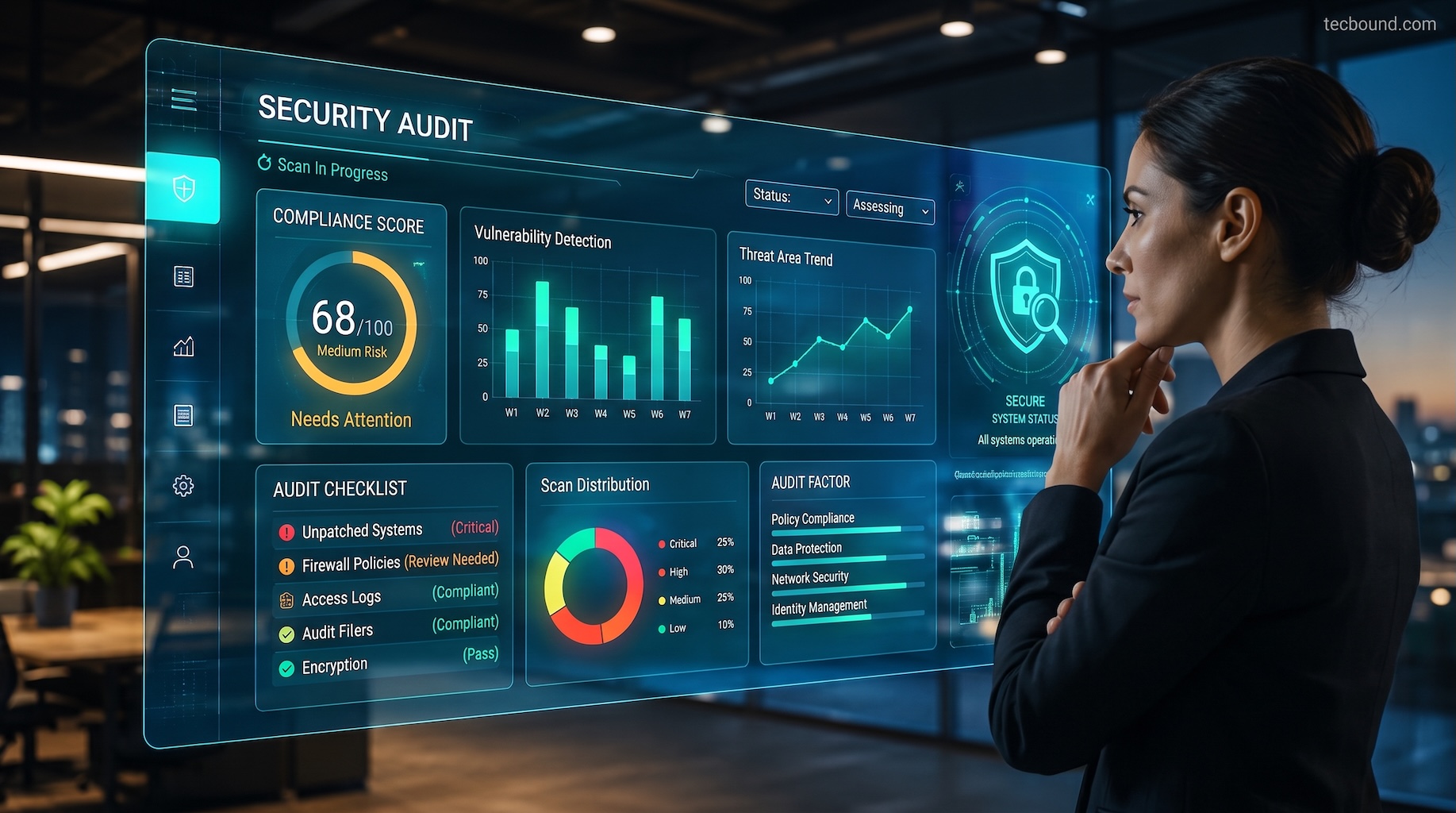
Picture a Canadian company that believes its security is in good shape. Then a major client sends a vendor questionnaire asking when the business last completed a security audit, and nobody can answer with confidence.
That moment is common, and it shows why a security audit is a necessary cybersecurity measure: it replaces assumptions with evidence. It shows what is protected, what is not, and what to fix first. This guide explains what a security audit covers, how it differs from related assessments, why it matters, how the process works, how often to run one, and whether to use your own team or an outside auditor.
A security audit is a systematic review of an organization’s security controls, policies and configurations measured against a defined standard. It answers a simple question: are the protections you believe you have actually in place and working? The result is a documented set of findings and a prioritized plan to close the gaps.
A thorough audit examines people, processes and technology together, not just the firewall. It usually includes access and identity controls (such as multi-factor authentication and administrator privileges), devices and patching, network and firewall configuration, cloud and email platforms, data protection and backups, logging and monitoring, incident response planning, vendor risk, staff security practices, and physical access. The exact scope depends on your size, your industry and the standard you’re measured against.
These four terms are often used interchangeably, but each answers a different question.
| Security audit | Risk assessment | Vulnerability scan | Penetration test | |
|---|---|---|---|---|
| Question it answers | Do our controls meet the standard? | What could hurt the business most? | Which known weaknesses exist? | Can an attacker actually get in? |
| Scope | Broad: people, process, technology | Business-wide assets and threats | Systems, networks, applications | Selected targets |
| Method | Evidence review, interviews, configuration checks, testing | Asset and threat analysis, workshops | Automated scanning tools | Authorized simulated attack, manual and automated |
| Output | Findings against the standard and a remediation plan | Ranked list of risks by likelihood and impact | List of vulnerabilities by severity | Proven attack paths and exploited weaknesses |
| Typical frequency | Annually and after major changes | Annually and when the business changes | Monthly or quarterly | Annually and after major changes |
They work best together. A scan finds weaknesses, a penetration test proves which ones matter, a risk assessment ranks them against the business, and the audit confirms that your controls and policies hold up as a whole.
A security audit is necessary because security controls drift, threats change, and the people responsible for a system are rarely the best to evaluate it. Here are seven reasons why it deserves its place in your cybersecurity strategy.
No audit guarantees that an incident will never occur. Its value is resilience: knowing where you stand, closing the most important gaps, and being ready to respond quickly when something does happen.
Not every audit looks at the same thing. The right type depends on what you need to prove and which part of the business carries the most risk.
The terms are used in two ways. Based on who performs the work, an internal audit is carried out by your own staff, while an external audit is performed by an independent third party. Based on vantage point, an internal view examines the network and systems from inside the organization, while an external view tests what an outsider on the internet can see and reach.
Internal reviews are useful for regular check-ins. External audits add independence, which matters to regulators, customers and insurers.
A compliance audit measures your environment against a specific framework or regulation, such as PCI DSS, ISO/IEC 27001, SOC 2 or privacy legislation. The auditor collects evidence that each required control exists and operates as stated. The report is often shared with regulators, certifying bodies or customers.
These audits examine firewalls, switches, wireless networks, VPNs and servers. Auditors look for open ports, weak or default credentials, flat networks without segmentation, outdated firmware, and settings that depart from a secure baseline such as the CIS Benchmarks. They are especially valuable for businesses with multiple offices or remote workers.
A cloud audit reviews platforms such as Microsoft 365, Azure and Google Workspace. It checks identity and access settings, multi-factor authentication, conditional access, external sharing, logging, and exposed storage. Because the provider secures the platform but you secure your configuration, many gaps hide here. Tools such as Microsoft Secure Score can offer a useful starting view.
These audits review the software your business builds or depends on, including customer portals and custom applications. They look for flaws such as weak authentication, injection vulnerabilities, insecure dependencies and secrets stored in code. They combine automated testing with manual review.
Physical access can undermine digital controls. A physical audit reviews door and badge access, visitor logs, server room protection, camera coverage, device storage, and how retired equipment and paper records are disposed of.
Details vary by scope and standard, but most audits follow the same path.
Use this checklist as a starting point for a self-review. It is not a substitute for an independent audit, but it will show you where the obvious gaps are.
Governance and policy
Access and identity
Devices and network
Cloud and email
Data and recovery
Monitoring and response
People, vendors and facilities
A common baseline is a full security audit at least once a year. That rhythm keeps findings fresh and matches what most frameworks, customers and insurers expect.
Run an additional audit, or a focused review, after any major change: a move to the cloud, a merger or acquisition, a new office, a significant new application, or a security incident. Between audits, run lighter checks, such as monthly or quarterly vulnerability scans, an annual penetration test, and continuous monitoring. Regulated organizations may face stricter intervals, so confirm the requirements that apply to you.
Most organizations notice the problem only when it raises a red flag. Watch for these signs:
If several of these sound familiar, an audit is likely overdue.
Neither is better in every case. The right choice depends on what the audit has to prove and who needs to trust the result.
| Internal team | Third-party auditor | |
|---|---|---|
| Independence | Limited: people review their own work | High: an outside view with no stake in the result |
| Knowledge of your environment | Deep | Needs time to learn, but brings comparison across many clients |
| Specialist skills | Often limited to what the team already does | Broad expertise in frameworks, cloud and testing |
| Credibility with clients and regulators | Lower | Higher |
| Cost | Lower in cash, but uses staff time | Higher in cash, predictable in scope |
| Best for | Regular check-ins between audits | Annual audits, compliance, and proof for customers or insurers |
Many organizations combine the two: internal reviews throughout the year, and an annual independent audit.
The main purpose is to verify that your security controls exist, work as intended, and meet the standard you are held to. It turns assumptions into documented evidence and gives you a prioritized plan to fix what falls short.
Cost depends mainly on scope: the number of users, devices, locations and cloud platforms; the depth of testing; and whether a compliance framework is involved. A focused review costs less than a multi-site or certification-driven audit. Ask for a fixed-scope quote that lists exactly what is included.
A focused review can take a few days, while broader or compliance-driven audits often take several weeks. Timelines depend on the size of the environment, how quickly your team provides information, and how much testing is involved. Remediation takes additional time after the report is delivered.
Sometimes. Few laws name a “security audit” outright, but many obligations require safeguards and proof that they work. Privacy legislation expects reasonable security measures, standards such as PCI DSS require regular testing, and contracts or insurance policies often require audits or assessments. Check the requirements for your industry.
A security audit reviews whether your controls, policies and configurations meet a defined standard. A penetration test simulates an attack to find out whether specific weaknesses can be exploited. The audit gives breadth, the penetration test gives proof, and the two work best together.
Yes. Smaller organizations often have fewer dedicated security staff, so gaps like missing multi-factor authentication or untested backups go unnoticed longer. A right-sized audit focuses on the controls that matter most to your business and gives a short, practical list of fixes.
A security audit gives you something most security tools cannot: an honest, documented picture of where you stand. It shows which controls work, which do not, and which fixes matter most. Run one at least once a year, repeat it after major changes, and act on the findings so that each audit leaves you more resilient than the last.
Want to see what this looks like for your business? Our team can talk through your current setup and help you decide what an audit should cover.
Get A FREE Subscription To Weekly Cybersecurity Tips So Your Company Doesn’t Become The Next Victim.