
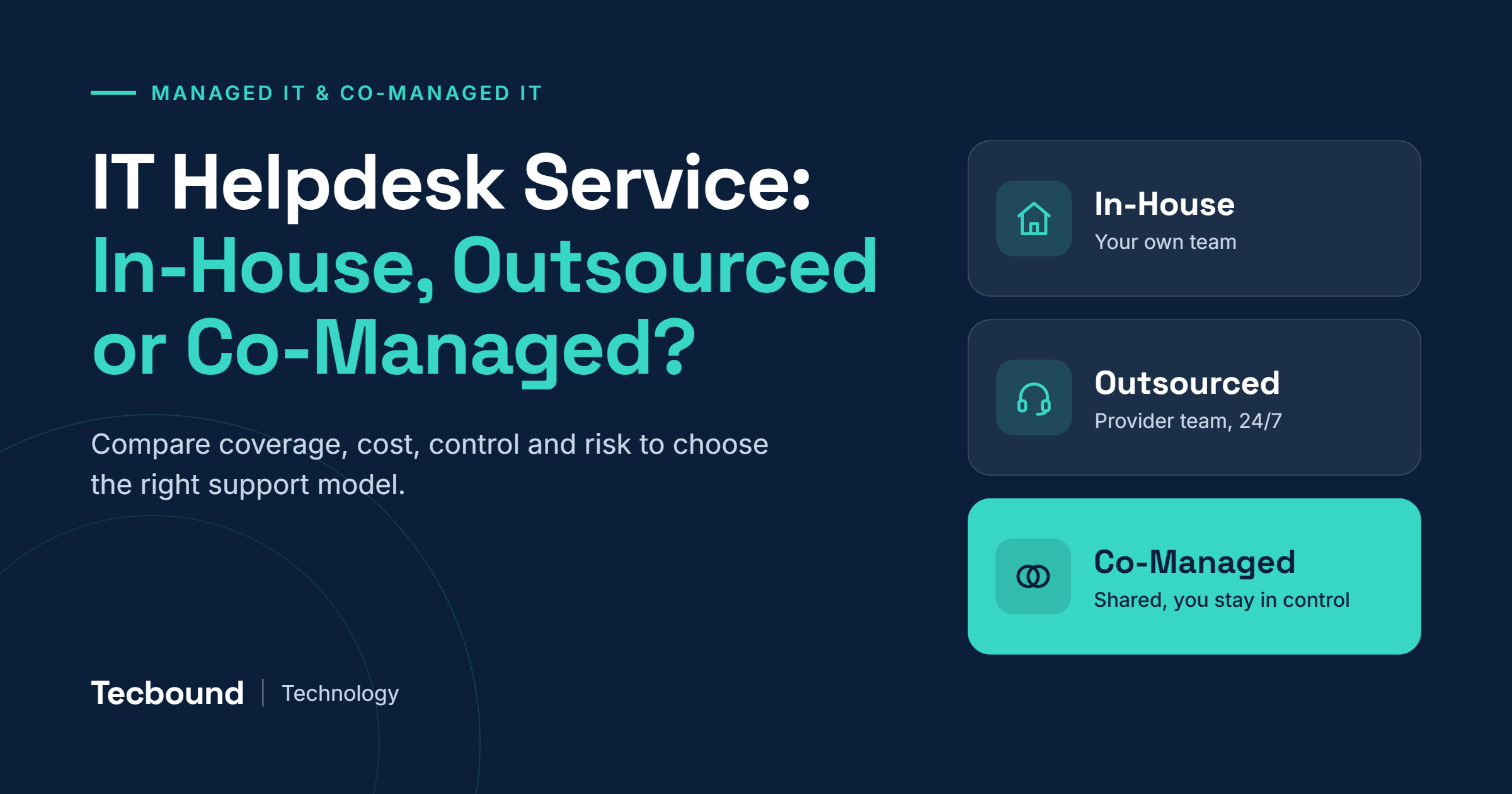
You can run an IT helpdesk service in three ways: with your own staff, with an outside provider, or through a co-managed model. The right choice depends less on price than on coverage. Who answers when a laptop will not boot at 7 a.m., or when a suspicious login appears on a Sunday night? Picture a 40-person firm whose “IT person” is also the office manager. Most days that works. Then she goes on holiday, a shared drive stops opening, and eleven people wait. This guide compares the three models side by side, shows the staffing math behind round-the-clock coverage, and gives you a checklist to choose.
Quick summary: In-house help desks give you people who know your systems but are hard to staff for after-hours coverage. Outsourced help desks bring round-the-clock coverage and broader skills but need careful vetting. Co-managed help desks split the work so your internal team keeps control while a provider fills gaps. Most small and mid-sized businesses without a dedicated IT team start with outsourced or co-managed.
| Factor | In-house | Outsourced | Co-managed
|
|---|---|---|---|
| Who answers | Your employees | The provider’s team | Your team first, provider for overflow, after-hours, and specialist issues |
| After-hours coverage | Hard; needs shifts or on-call | Typically available if contracted | Provider covers the gaps |
| Knowledge of your systems | Deepest, built over time | Built through onboarding and documentation | Shared |
| Cost pattern | Salaries, benefits, tools, training | Monthly fee, often per user | Often lower than fully outsourced when internal staff handle part of the load |
| Skills range | Limited to who you hire | Broad: security, cloud, network | Your generalists plus provider specialists |
| Control | Highest | Defined by the agreement | High; internal team stays in charge |
| Main risk | Key-person dependency | Provider quality and handoffs | Unclear responsibilities |
A help desk is the first point of contact for technology problems: password resets, software that will not open, email and Microsoft 365 questions, printers, new-hire setups, and “is this email safe?” It also decides what needs escalation to someone with greater skills.
It differs from a service desk, which also handles requests, change management and the wider IT process. If you are unsure which you need, our guide to service desk vs help desk lays out the difference. This article focuses on a more practical question: who should run it.
Where it works well
Where it struggles
Public wage data gives a starting point. Job Bank lists the Alberta median wage for a user support technician at $30.00 per hour (Job Bank, wages updated November 2025), and Alberta’s 2023 Wage and Salary Survey reports an average salary of $76,883 per year for that occupation (ALIS).
Our arithmetic from those figures:
Most small businesses do not need an in-house team around the clock, which is exactly why they look at outsourced and co-managed models.
Where it works well
Where it can go wrong
The Canadian Centre for Cyber Security’s baseline controls include a section on outsourced IT services. It advises asking providers for independent assurance, such as a SOC 3 report, encrypting data stored externally, and using two-factor authentication on cloud administrator accounts (Cyber Centre).
There is a second reason to vet carefully. A joint advisory from CISA, the NSA and MS-ISAC notes that threat actors often target managed service providers and IT help desks because they use remote monitoring and regular management tools (CISA). Ask how the provider secures its tools, who can reach your systems, and how access is logged and removed.
Co-managed means a provider works alongside your internal IT staff rather than replacing them. Tecbound’s co-managed IT services page describes the model as partnering with your IT team, filling skill gaps, handling routine tasks and providing specialized support, with your team staying in control.
This model fits when:
The main risk is vagueness. Write down which tiers of tickets each side handles, who owns after-hours escalation and who approves changes.
| If this describes you | Lean toward
|
|---|---|
| No IT staff, fewer than about 50 users, office-hours support is not enough | Outsourced |
| One or two IT staff who are overloaded or on call every night | Co-managed |
| Highly specialized internal systems and a team large enough to cover shifts | In-house, with a provider for security and backup |
| Regulated data and a need for documented monitoring | Outsourced or co-managed with clear reporting |
| Multiple sites with a small head-office team | Co-managed or outsourced |
These are rules of thumb, not guarantees. Headcount thresholds are our judgment, and your applications and risk matter as much as team size.
Our article on common SLA terms explains how response and resolution clocks are defined, and whether they run 24/7 or only in business hours.
If you are still weighing cost models, the comparison of break-fix vs managed services is a useful companion.
Pull your last three months of tickets, mark the ones that happened after hours, and note the ones that waited more than a day. That short list tells you whether you have a staffing problem, a skills problem or both. If you want to talk it through, you can book a discovery call or ask about Tecbound’s 24/7 remote help desk support listed on its remote IT services page.
An IT helpdesk service is the first point of contact for technology problems at your business. It handles password resets, software issues, email and device problems, and sends difficult issues to specialists. It can be run by your own staff, an outside provider or both.
Neither is better in every case. Outsourcing usually wins on after-hours coverage, breadth of skills and predictable monthly cost. In-house wins on hands-on speed and in-depth understanding of your systems. Many businesses without a dedicated IT team start outsourcing or co-managing.
Job Bank lists the Alberta median wage for a user support technician at $30.00 per hour, which is about $62,400 a year at 2,080 hours before benefits, tools and training. Covering all 168 hours of a week takes at least four people.
A co-managed help desk shares the work between your internal IT staff and an outside provider. Your team handles day-to-day requests and strategy, while the provider covers overflow, after-hours calls and specialist issues. It works best when responsibilities are clearly written down.
Ask for written response and resolution targets, support hours, how remote access to your devices is secured, how staff access is logged and removed, what reporting you receive, and how you retrieve your documentation if you leave. Also ask about onboarding and escalation paths.
Get A FREE Subscription To Weekly Cybersecurity Tips So Your Company Doesn’t Become The Next Victim.